Welcome to GigHive!

Upload, organize, and stream your media.
- If you're a musician: Use GigHive as a library for your band's sessions (audio and video) and let your fans upload footage from every angle of the gig.
- If you're a wedding photographer/videographer: Have guests upload their audio and video during the event, incorporate it into a compilation, then spin down the instance when you're done to save money.
- If you're a media librarian or have a preexisting cache of files: Use the Admin Utilities to import your videos and build your own historical GigHive.
- If you just need a simple self-hosted web server: Drop PHP files or static content into the default web root and off you go.
- GigHive is open source — a self-hosted media library with a searchable database, an upload utility, and an iPhone app.
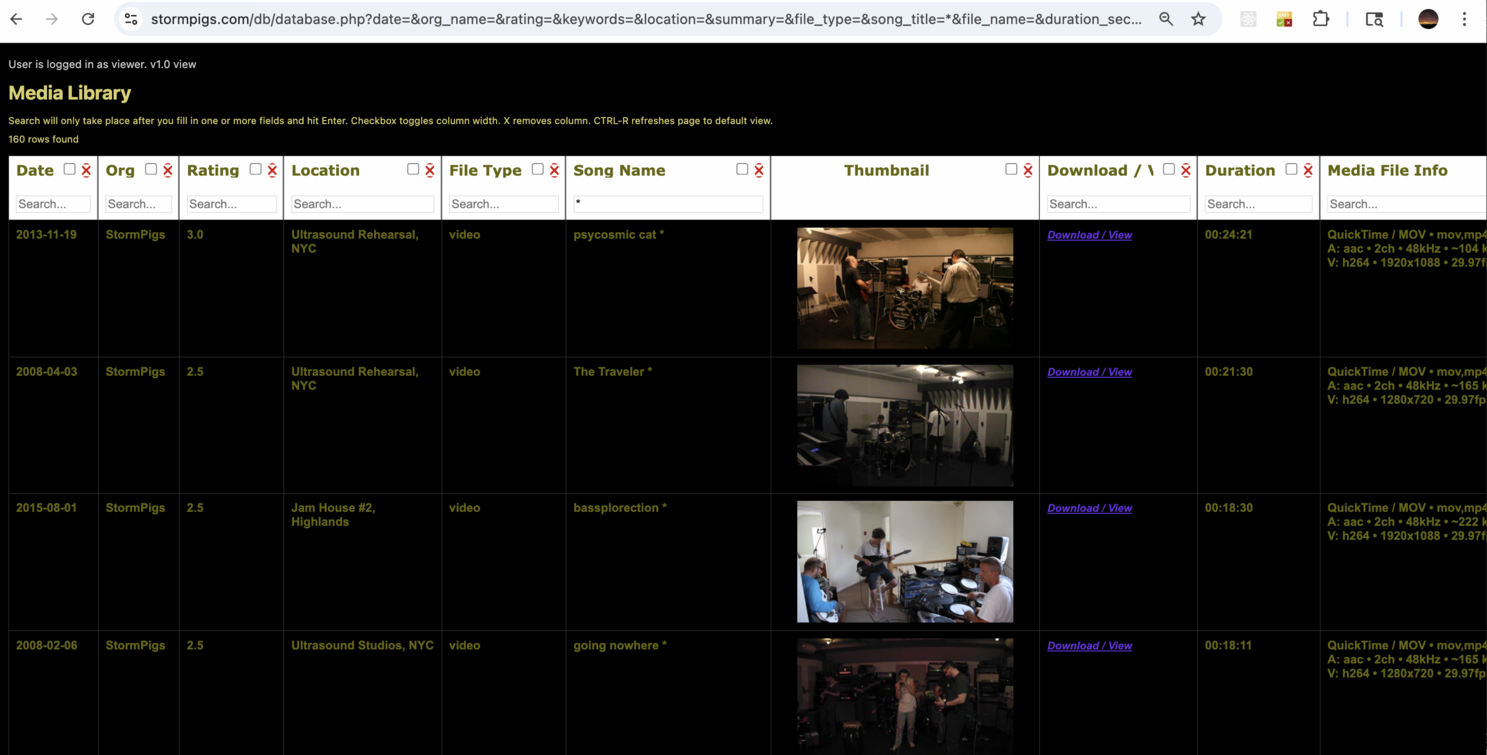
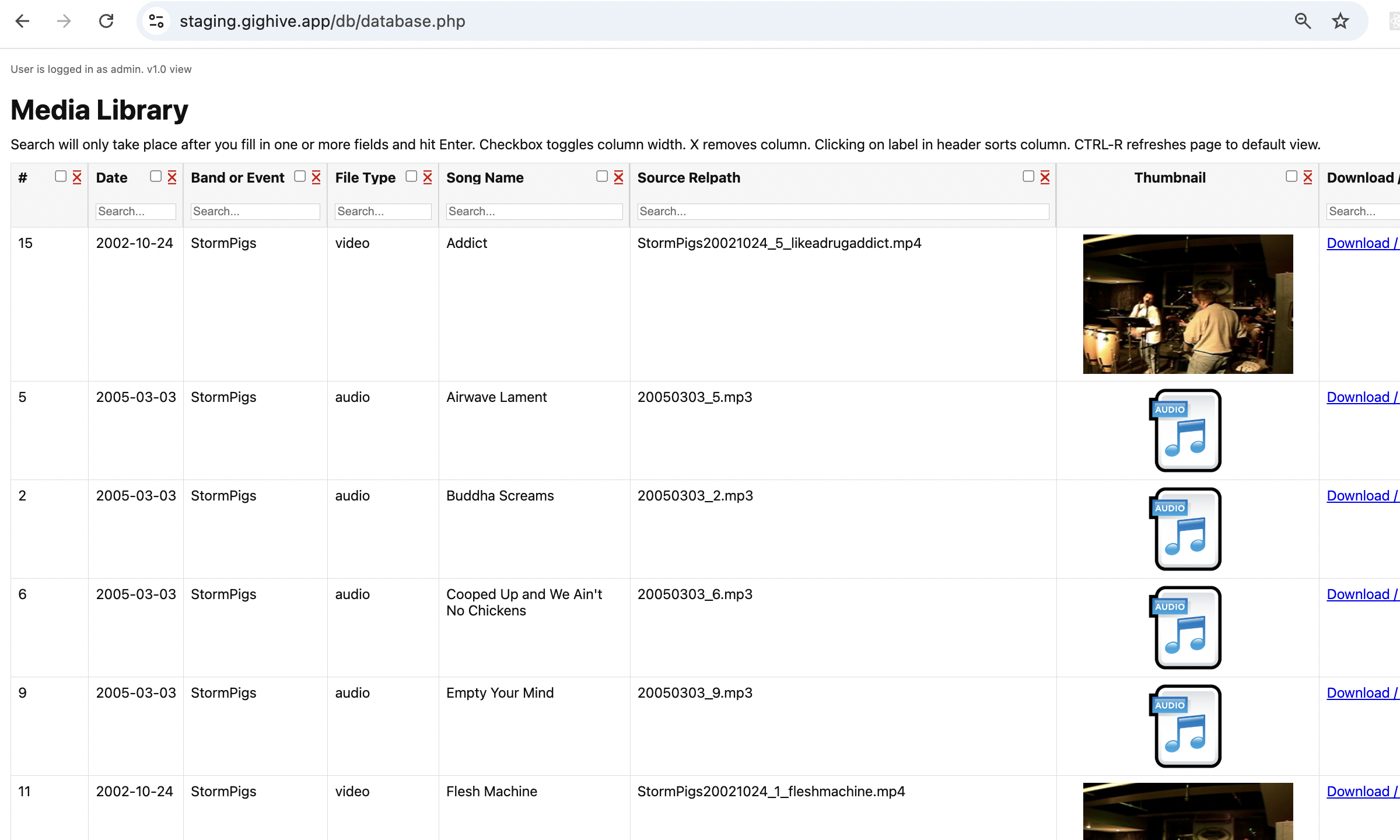

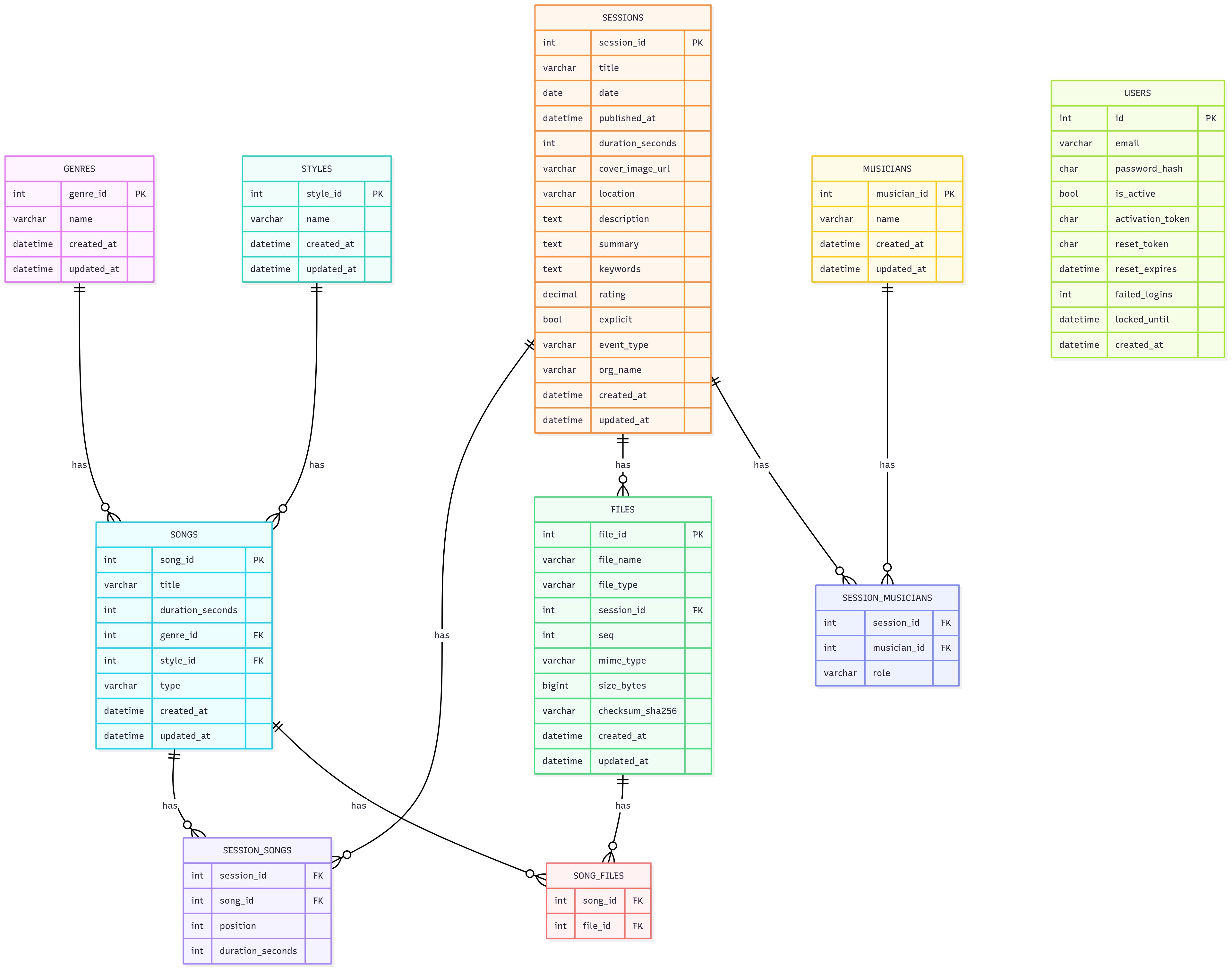
- Live example: stormpigs.com
u: guest | p: stormpigsguestuser1234!
Get Started
- GigHive is a containerized deployment of Apache and MySQL running in Docker. Supported platforms: Linux x86/64 (Ubuntu 22.04/24.04), Mac Sequoia 15.6.1+, and Windows 10+.
- Quickstart Instructions — includes installation videos for Linux, Mac, and Windows.
Why self-host?
- This site is for do-it-yourselfers who don't want to be beholden to Big Tech but to be the masters of their own destiny.
- GigHive frees you from the content limitations that the major providers set..but make sure you have enough disk for all your media files.
iPhone App
- We have an easy-to-use iPhone app for fans and wedding guests. Download it here
Features
- Supported media formats.
- GigHive is simple. There is a home page, a page for the media library and batch or single file upload utilities.
- It is secure by default and was built from the ground up to live behind the Cloudflare shield.
Database View (login required)
Note the database is pre-populated with sample media that you can delete using the link below.
Admin Functions (Change Passwords / Data Loading)
License / Policy
GigHive is dual-licensed:- AGPL v3 License: Open source, free for personal use with strong copyleft protection for use as a SaaS.
- Commercial License: Required for SaaS, multi-tenant, or commercial use.
- Content Policy: Please read and understand your responsibilities as an operator.
Contact Us
👉 Contact us for commercial licensing or for any other questions regarding GigHive.